You research, explore, plan, and build with AI. Keep the useful results in a notebook you control, where you can find them, improve them, and use them with any AI assistant.
Works with Claude, ChatGPT, and other AI tools.


You already figured this out once.
You spent an hour researching a decision. You compared the options, explored the trade-offs, and arrived at something useful.
Three weeks later, you need it again.
Which conversation was it in? Which assistant did you use? Where was that final version?
Your work is scattered across conversations, and finding it can take almost as much effort as creating it.
Good work shouldn't disappear into chat history.
Keep the part that matters.
An AI conversation might contain fifty messages. Maybe only one result is worth keeping.
Save that result to Notations directly from your AI assistant. A research summary, a decision, a plan, a piece of writing, or something interactive you've built.
Give it a title. Organize it however you like. Come back whenever you need it.
Keep the work, not the entire conversation.


Find it, then build on it.
Remember the analysis you did last month? The comparison that settled an argument? The plan you wanted to revisit?
Search your notebook or ask your AI assistant to find it. No digging through old conversations.
Then go further. Ask your assistant to use several things you've kept at once: what you learned on the last trip, how you like to travel, the plan that worked. They become the first draft of the next one.
Nothing you figured out has to be figured out again.
The next thing you do starts from everything you've kept.


Pick up where you left off.
You made a decision last month. Now something has changed.
The research behind it came from everywhere: a conversation with Claude, a recorded meeting, a model you built, an assistant arguing the other side. In your notebook it's still together, one page with a tab for each.
Bring all of it into a new conversation. Ask what still holds, what broke, and what to do now.
Then keep the new answer next to the old one, so you can see how your thinking moved.
Your work can keep getting better.


Some ideas become things you can use.
A conversation can produce more than an answer.
It might produce a calculator, a visual comparison, an interactive guide, a useful reference, or a small tool.
Keep those too.
Notations preserves the things you've built so you can open them, use them, improve them, and share them.
This one is live. Change the telescope or the target and watch the frame change.
From an idea in a conversation to something that lasts.

Share the result, not the conversation.
You've developed something useful. Now someone else needs it.
Share a clean page with a link, whether it's a trip itinerary, a research summary, a decision framework, or an interactive tool.
They get the finished work, ready to read or use.
No screenshots. No copied chat transcripts. No reformatting.


Your AI assistants can work from the same notebook.
Each AI assistant has its own conversations, history, and way of remembering.
Notations gives them a common place to work.
Connect your assistants to your notebook, and they can find what you've saved, read existing pages, create new ones, and update work as it evolves.
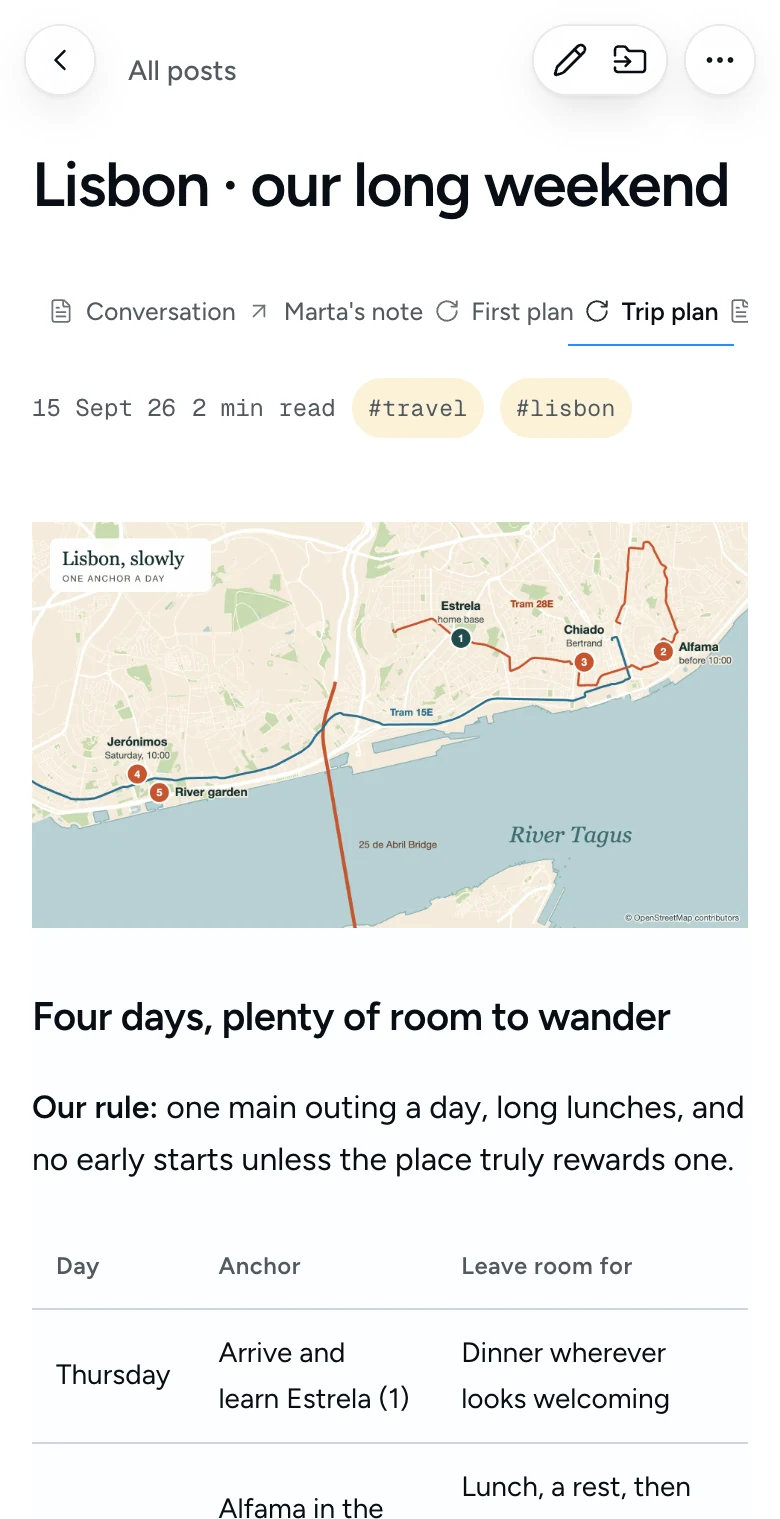
Claude makes the plan. ChatGPT finds what it missed. Claude fixes the original page. Nobody explains the trip twice.
Start something in one assistant, challenge it in another, and return to it next month with whatever tool you use then.
You shouldn't have to explain the same thing twice.


Your knowledge stays yours.
AI tools will change. You'll try new models, switch services, and find better ways of working.
The things you've learned and built should come with you.
Notations keeps your work in portable formats, including Markdown. Your notebook is available offline, and your pages have stable identities that persist as the content evolves.
No dependence on a particular AI model. No need to rebuild your accumulated knowledge every time your tools change.
A home for your work, independent of the tools that helped create it.
# Opening a second location

**Status, October 21:** decision changed.
**Sign the Fernwood lease.**

## The decision

1. Priya runs Alder Street
   from January.
2. The guarantee is capped
   at 12 months.
3. We open when the oven is in.

## What would change this

- If the guarantee can't be
  capped, we don't sign.
What will you keep?
There's no single kind of work worth saving.
Research you don't want to repeat
You investigated a complex question, compared sources, and reached a conclusion. Keep the findings and return when something changes.
Decisions you want to remember
Capture the options, trade-offs, and reasoning behind a decision. Revisit them when new information emerges.
Plans that keep evolving
Build an itinerary, a project plan, or a shared checklist. Update it as circumstances change.
Tools you actually use
Keep the calculators, visualizations, interactive comparisons, and small applications you create with AI.
Writing worth developing
Save an early idea, return with a different assistant, revise it, and keep improving the same piece.
Knowledge your AI can build on
Give your assistants access to the work you've already done, so every new conversation can start a little further ahead.
Notations for iPhone
Your notebook, in your pocket.
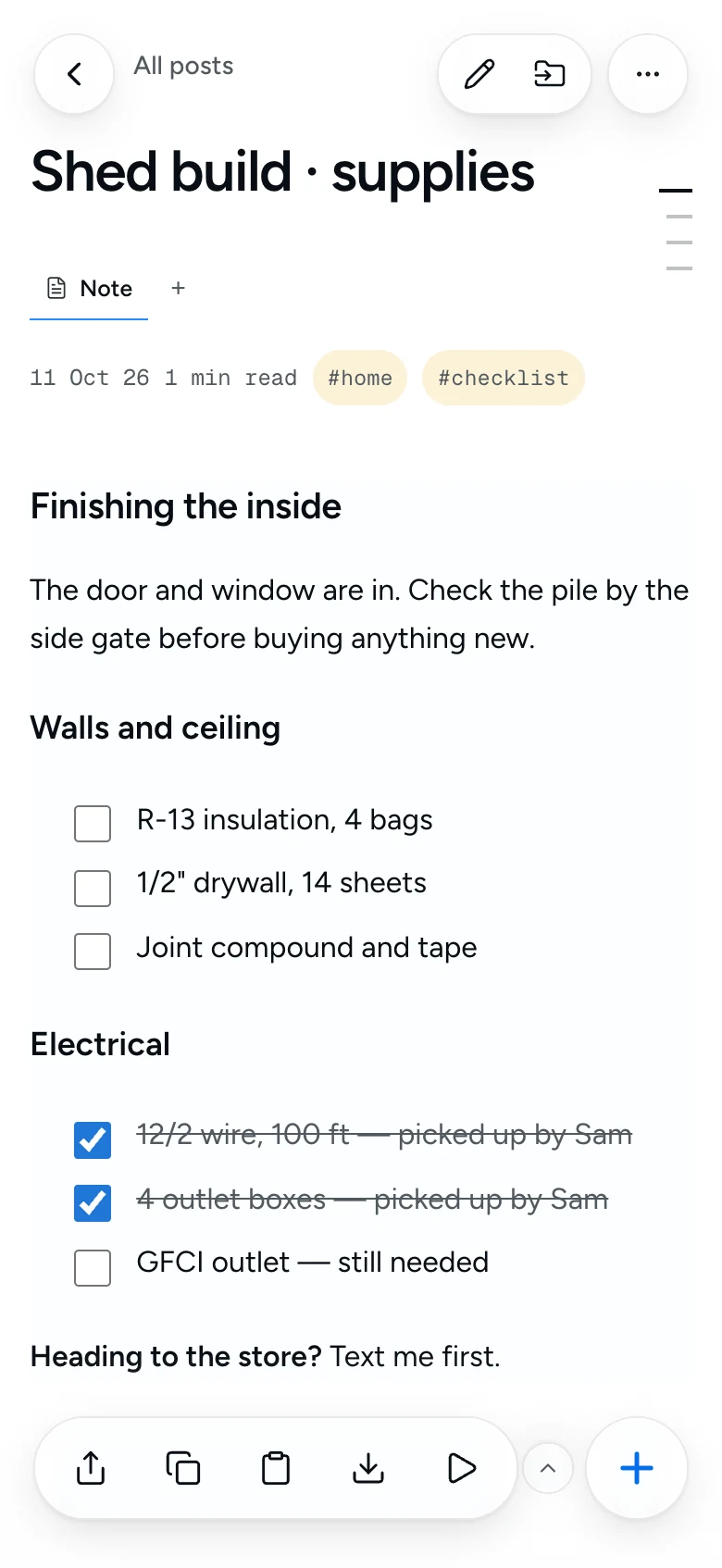
The iPhone app keeps your whole notebook on the phone, so it opens instantly and works without a signal. Everything syncs with the web.
- Save from any app
- Share a link, text, image, or PDF into a note from the share sheet.
- Speak it or scan it
- Voice notes are transcribed on your iPhone. Paper documents scan straight into text.
- Always within reach
- Ask Siri for a new note, add Home and Lock Screen widgets, and find any note from iPhone Search.
- Listen on the go
- Have any note read aloud, even with the screen locked.
- Private by design
- Lock the app with Face ID. No ads, no tracking, no third-party analytics.

Free on the App Store for iPhone. Sign in with Apple or Google.
A few practical questions.
Do I need AI to use Notations?
No. You can write, organize, search by keyword, and export notes without an AI connection. AI features are optional.
Can I use the AI assistant I already have?
You can connect Claude or another assistant that supports remote MCP servers. Your assistant can search, read, create, edit, move, and tag notes. Compatibility and connection options depend on the assistant you use.
How does search by meaning work?
Ordinary notebook search uses keywords. Semantic retrieval through AI tools requires a separate OpenAI embeddings API key and an indexed notebook. Without that setup, those tools fall back to keyword search.
What works offline?
With offline mode enabled and your notebook synced to the device, you can read and write notes without a connection. Changes sync when you reconnect. Cloud AI, sharing, publishing, and first-time setup need an internet connection.
Who can read a shared note?
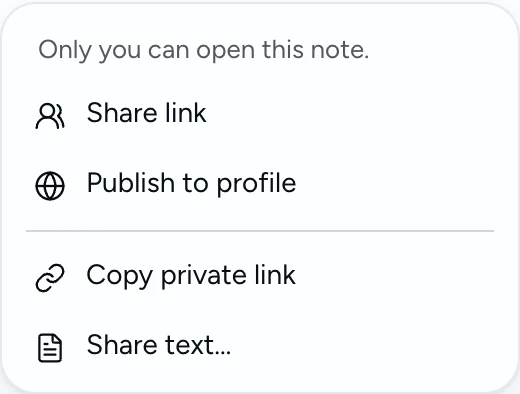
Notes start private. Enabling link sharing makes a note readable by anyone with its link. Publishing also lists it on your public profile. An unlisted link is not restricted to a named recipient. The note toolbar lets you share this version or all versions. Publishing applies to the iteration group.
More detail: costs and setup · privacy · AI connections

Stop starting over.
Every day, you make progress with AI. You learn something, solve something, decide something, or build something.
Keep the parts worth keeping.
Over time, they become something more valuable: a body of work and knowledge that grows with you, and that any of your AI assistants can help you use.
Notations is free to use.